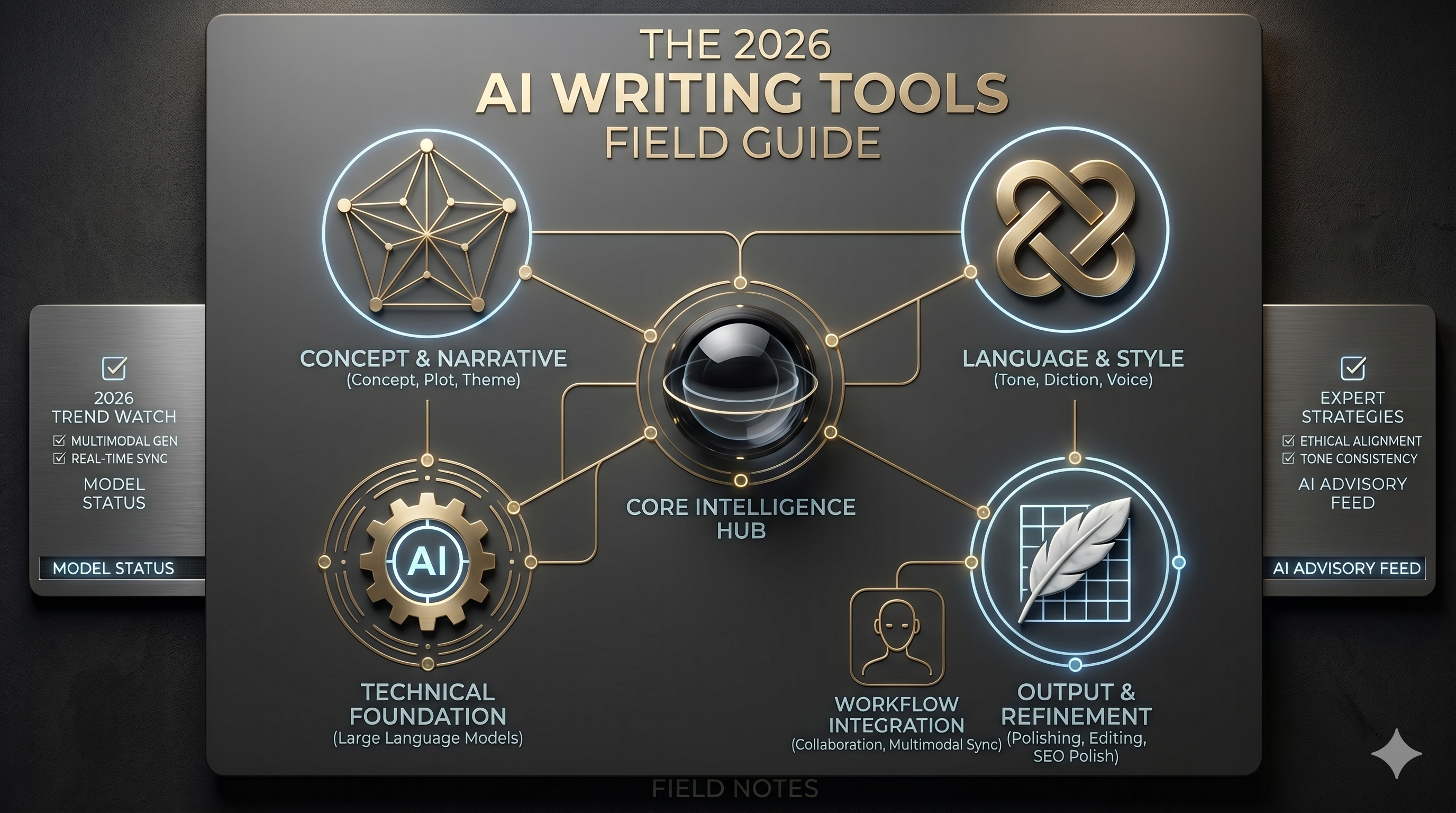
The 2026 AI Writing Tools Field Guide
ChatGPT, Claude, Notion AI, Jasper, Grammarly, Wordtune, Sudowrite, QuillBot — the writing AI category split by job-to-be-done. Here's which one to use for which kind of writing.
AI writing tools in 2026 aren't really one category — they're four. General-purpose drafting (ChatGPT, Claude), workspace-embedded writing (Notion AI), specialized creative writing (Sudowrite, NovelAI), and editing/refinement (Grammarly, Wordtune, QuillBot). Picking the right tool for the job matters more than picking the strongest model — using ChatGPT to edit a novel chapter is using a Swiss-army knife to do surgery.
This guide ranks the eight that consistently appear in serious writers' stacks in 2026. Each section makes the trade-off plain so you can build a kit of two or three rather than expecting one tool to cover it all.
At a glance
| Tool | Best for | Standout | Watch out for |
|---|---|---|---|
| ChatGPT | General drafting + research | Conversational + plugins | Default voice is generic |
| Claude | Long-form + careful reasoning | Strongest for nuanced writing | Subscription required for power |
| Notion AI | Writing inside Notion workspaces | Lives where docs already live | Less powerful than standalones |
| Jasper | Marketing copy at scale | Brand voice training | Pricier than general models |
| Grammarly | Real-time editing across apps | Catches issues you'd miss | Style suggestions can flatten voice |
| Wordtune | Sentence-level rewriting | Multiple variation suggestions | Works at sentence not document level |
| Sudowrite | Fiction-specific drafting | Story-aware + plot tools | Subscription for serious use |
| QuillBot | Paraphrasing + summarizing | Quick rewrites at sentence-level | Less useful for net-new work |
1. ChatGPT — The default general-purpose writing partner
OpenAI's flagship AI assistant for conversations, coding, and analysis
ChatGPT remains the writing tool most people reach for first, and the 2026 model line (GPT-5, then 5.5) handles long-form drafting, research synthesis, and editing in ways that genuinely save time. The conversational interface is the differentiator — it lowers the friction of refinement to near-zero compared to prompt-then-edit-then-prompt-again workflows.
Best for: blog posts, emails, research summaries, anything where you need a competent first draft to react to.
What it does well: Conversational refinement makes iteration fast. Plugin ecosystem and Custom GPTs let you build specialized writing assistants. Free tier is genuinely useful for casual work.
Where it falls short: Default voice is recognizably 'AI' without effort to customize. Long-form coherence over 3000+ words still requires hands-on editing. Image and search features tempt users to ship unrefined work.
Verdict: The right default for general writing. Get serious about prompts and Custom GPTs before judging it.
2. Claude — The long-form and careful-reasoning specialist
Anthropic's AI assistant, excellent for coding and long-form content
Claude (Anthropic) is the model professional writers reach for when nuance matters. Lower default sycophancy, better at holding context across long documents, more willing to push back on shaky framing — Claude is what you use when you want to be argued with constructively rather than mirrored.
Best for: long-form pieces, technical writing, anything where the framing matters as much as the content.
What it does well: Holds context across very long documents reliably. Writing voice is more flexible than ChatGPT's default. Reasoning quality on technical or complex topics is best-in-class.
Where it falls short: Subscription required for the most-capable model and longest context. Smaller plugin ecosystem than ChatGPT.
Verdict: The right pick for serious long-form work. Pair with ChatGPT for the casual drafting it's overkill for.
3. Notion AI — Writing AI that lives in your workspace
AI writing and organization within Notion
Notion AI's value isn't capability — it's location. The AI lives inside the documents you're already writing, with full context of your workspace, and surfaces as a slash-command rather than a tab to switch to. For teams already on Notion, it removes friction the standalone tools can't.
Best for: teams whose writing already happens in Notion — meeting notes, briefs, internal docs, knowledge bases.
What it does well: Context awareness across pages in the same workspace. Q&A across the workspace is genuinely useful for knowledge work. Slash-command friction-free invocation.
Where it falls short: Capability lags ChatGPT and Claude for ambitious work. Limited customization vs. the standalones. Tied to Notion subscription.
Verdict: Worth turning on if your team is on Notion. Not a reason to switch to Notion if you're not.
4. Jasper — Marketing-copy specialist for content teams
AI content platform for marketing teams
Jasper is the marketing-team-buys-it option in this category. The differentiation isn't model capability — it's brand voice training, content templates for specific marketing jobs, and team workflow features the general-purpose models don't have. For content teams shipping volume, that workflow matters more than raw model strength.
Best for: marketing teams producing blog posts, email sequences, ad copy, and social content at scale.
What it does well: Brand voice training keeps output on-brand without per-prompt instructions. Templates for specific marketing jobs (PAS, AIDA, listicles) speed up the common cases. Team features (shared voices, content libraries) work at organizational scale.
Where it falls short: Pricier than general-purpose models. Less useful for non-marketing writing. Output sometimes formulaic when leaning hard on templates.
Verdict: Right pick for marketing content teams. Skip for individual writers or non-marketing work.
5. Grammarly — Real-time editing layered across every app
AI writing assistant for grammar and style
Grammarly has been around longer than any other tool in this list and the 2026 version layered AI generation on top of its editing core. The differentiator is still its ubiquity — Grammarly works in your email, your docs, your Slack, your social posts. Quiet, ambient editing.
Best for: anyone who writes professionally across multiple apps and contexts.
What it does well: Cross-app ubiquity is the moat. Grammar and style catches things you'd miss on tired re-reads. Generative features now competitive for short drafting.
Where it falls short: Style suggestions can flatten distinctive voices if accepted uncritically. The generative tier costs extra on top of the editing tier.
Verdict: Buy the editing tier. The generative add-on is optional unless you write a lot of short content across many apps.
6. Wordtune — Sentence-level rewriting with options
AI rewriting and paraphrasing tool
Wordtune fills a specific gap — when you have a sentence that's close but not quite right and you want to see five alternative phrasings. It's the AI equivalent of asking a writer-friend 'how would you say this?' and getting useful options instead of a rewrite.
Best for: writers refining sentences in long-form work, non-native English writers polishing professional output.
What it does well: Multi-variation suggestions let you choose rather than accept the AI's preferred phrasing. Works in-context across browser apps. Specifically tuned for tone-shifts (more casual, more formal, shorter).
Where it falls short: Works at sentence level, not document level. Less useful for net-new drafting.
Verdict: The right pick when refining existing prose is your bottleneck. Skip if you're mostly drafting.
7. Sudowrite — Fiction-aware drafting for novelists
AI writing partner for fiction authors
Sudowrite is the AI writing tool built specifically for fiction writers, and the 2026 version is the only tool in this list that understands plot, character, and scene as first-class concepts. Story bibles, character consistency tracking, scene-expansion tools — the workflow is built around how novelists actually work.
Best for: novelists, screenwriters, narrative-game writers, anyone whose work has plot and characters.
What it does well: Story Engine helps maintain plot and character consistency across long projects. Brainstorm and Expand tools are specifically tuned for fiction patterns. Less of the 'AI voice' bleed than general models.
Where it falls short: Subscription tiers add up for heavy use. Smaller community than the general-purpose tools.
Verdict: The right pick for serious fiction work. Other tools in this list don't even try this job.
8. QuillBot — Paraphrasing and summarizing at sentence level
AI paraphrasing and summarization
QuillBot was paraphrasing AI before paraphrasing-AI was a category, and it remains the most accessible option for that specific job. The 2026 version added a summarizer, a citation generator, and a grammar checker — but the paraphraser is still what makes it worth using.
Best for: students, researchers, anyone whose work involves rewording or summarizing existing text.
What it does well: Multiple paraphrasing modes (standard, fluency, creative, formal). Summarizer handles long inputs well. Free tier is meaningfully useful unlike many competitors.
Where it falls short: Less useful for net-new writing. Paraphrasing can drift toward AI-detectable patterns on creative modes.
Verdict: Right pick when 'reword this' or 'shorten this' is the actual job. Skip for original writing.
How to pick
Stacks that work for different writing roles in 2026:
- Content marketer: Jasper for production, Grammarly for editing layer, Claude for the harder strategy pieces.
- Long-form writer / journalist: Claude as primary drafting partner, Grammarly for editing, Wordtune for sentence-level polish.
- Novelist or screenwriter: Sudowrite as the primary tool, Claude for outside-the-system thinking about plot, Grammarly for the final polish.
- Team knowledge worker: Notion AI inside the workspace, ChatGPT or Claude for the heavier drafts that get pasted in.
- Non-native English professional: Grammarly editing tier + Wordtune for sentence variations + Claude for the documents that matter.
- Student or researcher: QuillBot for paraphrasing + summarizing, Claude for synthesis, Grammarly for final pass.
The full Writing Assistants branch on AI Tree Library catalogs the rest of the space — specialty tools for paraphrasing, plagiarism checking, transcription, and the experimental open-source writing models worth tracking.