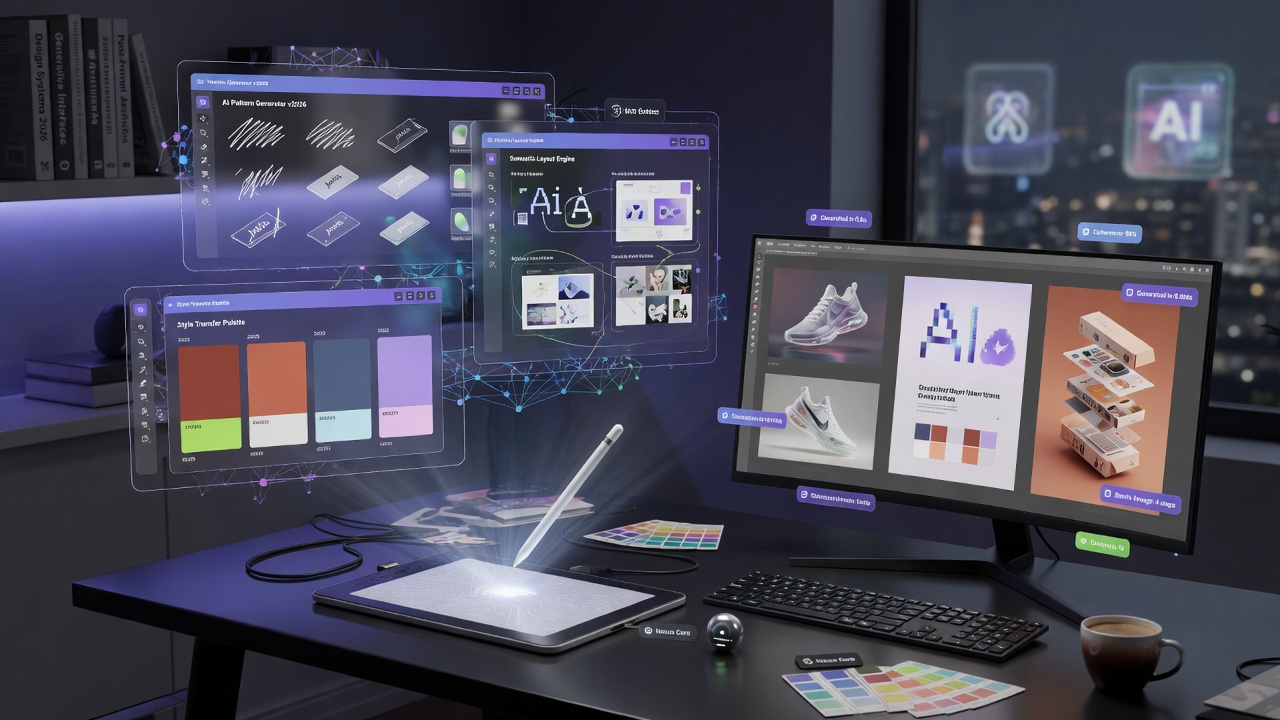
The 2026 AI Design Tools Field Guide
Figma Make, Spline AI, Adobe Firefly, Recraft, Canva AI, Cosmos, Adobe Express, Lovart — the design AI space split into prototyping, asset generation, and 3D. Here's the honest map of who each one is actually for.
AI design tools in 2026 aren't trying to replace designers — they're trying to handle the work designers don't want to do twice. Asset generation, layout drafting, 3D prototyping, brand-consistent iteration — every serious tool now has an AI layer, and the meaningful question is which ones add real velocity versus which add a feature toggle nobody enables.
This guide walks the eight tools that consistently come up in 2026 design stacks. The first half handles the daily flow — Figma, Spline, Firefly. The second half handles the volume work — generating assets, brand materials, social content at scale.
At a glance
| Tool | Best for | Standout | Watch out for |
|---|---|---|---|
| Figma Make | Prompt-to-prototype inside Figma | Lives where designers already work | Output still needs human polish |
| Figma AI | Layout + naming + content fill | Native to existing files | Some features still rolling out |
| Spline AI | 3D prototypes and scenes | Real-time WebGL preview | Steeper learning curve |
| Adobe Firefly | Commercial-safe image generation | Indemnified for enterprise | Less artistic than Midjourney |
| Adobe Express | Quick branded content | Templates + brand kit | Lower ceiling for craft work |
| Recraft | Vector design + brand assets | SVG output, style control | Designer-grade learning curve |
| Canva AI | Non-designer marketing content | Massive template library | Output identifiable as Canva |
| Cosmos | Mood boards + visual research | Designer-curated taste | Less a generator than a curator |
1. Figma Make — Prompt-to-prototype inside the tool you already use
Figma's design-to-code prototype generator. Turns Figma frames into working code.
Figma Make is the AI prompt-to-design feature now built into Figma — describe the screen you want and it generates a Figma-native layout you can edit. The 2026 version handles multi-screen flows and respects design system variables, which finally moves it past gimmick territory.
Best for: designers shipping daily inside Figma who want to skip the 'blank canvas' problem.
What it does well: Output is real Figma layers, not a flat image — fully editable. Respects component libraries and variables. The prompting-to-iteration loop is fast.
Where it falls short: Output still needs human polish before shipping. Less impressive on novel/creative briefs than on standard patterns (dashboards, settings pages, marketing sites).
Verdict: Worth turning on the moment your team is on Figma. Treat it as a starting-point generator, not a finisher.
2. Figma AI — Layout, content fill, and naming automation
Design tool with AI features for UI/UX design
The broader Figma AI feature set goes beyond Make — auto-naming layers, content placeholders that fill with realistic copy, search across all your files using natural language. None of these are flashy individually; together they save real hours per week.
Best for: design teams with large file libraries where time is lost to file-management overhead.
What it does well: Layer-renaming alone pays back the AI tier within weeks. The search-across-files is genuinely transformative for design ops. Content fill works on dense data tables in ways static lorem-ipsum can't.
Where it falls short: Some features still rolling out region by region. Enterprise pricing required for full feature set.
Verdict: Quiet productivity win. Turn it on, forget about it, notice the time savings a month later.
3. Spline AI — Real-time 3D prototyping for the web
3D design tool with AI features
Spline is the design-tool-for-3D that Figma is for 2D. The AI layer added in 2026 generates scenes, animations, and interactions from prompts — and crucially, the output runs in a browser via WebGL, so designers can hand off live prototypes instead of renders.
Best for: product designers building 3D landing pages, app designers adding spatial UI moments, brand designers experimenting with motion identity.
What it does well: Browser-runnable output is the moat — no other 3D tool ships work this easily to web. AI scene generation gets you past the 3D-software learning curve. Cosmos-style library of community scenes for remixing.
Where it falls short: Curve is steeper than 2D design tools for prompt-only users. Pricing tiers escalate for team use.
Verdict: The right tool when '3D on the web' is the brief. Skip if you're staying in 2D.
4. Adobe Firefly — Commercial-safe AI image generation for design teams
Adobe's generative AI for creative image editing
Firefly's pitch in 2026 isn't aesthetic quality — it's the indemnification. Adobe trained Firefly on licensed and public-domain data, then promised enterprise customers they'd cover any IP claims arising from output. For agencies and brand teams, that promise is worth more than Midjourney's aesthetic edge.
Best for: agencies, in-house brand teams, enterprises with legal review on every published image.
What it does well: Tight integration into Photoshop and Illustrator means AI fits the existing workflow. Generative Fill is genuinely production-useful daily. Indemnification is a real differentiator for enterprise.
Where it falls short: Aesthetic quality lags Midjourney and Nano Banana for hero work. Requires Creative Cloud subscription, which is heavy if you only want the AI features.
Verdict: The right call when 'will legal approve this image' is part of every brief. Use Midjourney for personal work where legal isn't the constraint.
5. Adobe Express — Branded content at speed for non-designers
Adobe Express — quick design tool from Adobe for social, web, and video.
Adobe Express is the Canva competitor from Adobe — template-driven content creation with brand kit support and AI generation under the hood. The 2026 version added animation, video templates, and quick generative-edit features that make it a real Canva alternative for Adobe-tied orgs.
Best for: marketing teams in Adobe-tied organizations producing social, ad, and email content at volume.
What it does well: Brand kit support keeps colors, fonts, and logos consistent across team output. Templates cover most common social-content shapes. Integration with Creative Cloud assets is friction-free.
Where it falls short: Lower ceiling than dedicated tools for high-craft work. Output occasionally identifiable as template-driven.
Verdict: Right pick when 'team produces 50 social posts a week' and consistency matters more than craft.
6. Recraft — Vector and brand-asset specialist
AI image generator built for designers. Vector and SVG output, brand-consistent styles, true text rendering.
Recraft sits in the same gap for designers that Cursor sits in for developers — the AI tool built for professionals rather than consumers. It outputs vector SVGs that work in Figma and Illustrator, supports brand style references, and renders text reliably enough to use on actual deliverables.
Best for: design teams producing branded illustrations, UI icons, marketing imagery at scale.
What it does well: Vector output means infinite resolution + downstream editing. Style references let you build brand visual language and stay in it. Text rendering reliable enough to ship.
Where it falls short: Steeper interface than the consumer tools. Less suited to photoreal work — pair with Midjourney or Nano Banana.
Verdict: The designer's secret weapon. If you produce branded design assets, this earns its sub.
7. Canva AI — Non-designer marketing content at scale
Design platform with AI-powered features for everyone
Canva remains the default tool for non-designers who need to produce visual content. The AI layer in 2026 added Magic Studio — generation, editing, and design assistance built into the existing template-driven workflow. For SMB marketing teams without a dedicated designer, it's still the obvious answer.
Best for: small businesses, solo marketers, content creators who don't have or need a designer.
What it does well: Template library is the moat — start from something that already works. AI background removal, magic resize, magic edit handle 80% of common asks. Brand kit features enforce consistency.
Where it falls short: Output is occasionally identifiable as Canva to trained eyes. Less suited to high-craft brand work.
Verdict: The right answer when 'I am not a designer and need this shipped today' describes the situation.
8. Cosmos — Mood boards + visual research with curated taste
Curated visual discovery and mood-board platform — a creative search engine for design, art, and references.
Cosmos isn't a generator — it's a designer-curated visual search engine. Type a vibe, get a board of high-quality references aligned to actual design taste rather than 'whatever images Google had'. In 2026 it became a quietly essential tool for the early-stage research that every project needs.
Best for: designers, art directors, and creative leads doing visual research and mood-boarding.
What it does well: Search results reflect designer taste, not algorithmic popularity. Boards are shareable and collaborative. The community surfaces aesthetic directions you wouldn't have searched for.
Where it falls short: Not a generator — pair with Midjourney or Recraft for output. Subscription required for the most useful tiers.
Verdict: Add this to your kit if you do any visual research. The taste filter is real.
How to pick
Stacks that work for different design roles in 2026:
- Product designer in a real team: Figma + Figma Make + Spline AI for 3D moments. Add Recraft if you also produce branded marketing assets.
- Agency creative director: Cosmos for research, Midjourney for hero work, Firefly for client-facing safety, Recraft for vector deliverables.
- Brand designer: Recraft as the daily driver, Adobe Firefly for photoreal compositions, Cosmos for inspiration.
- Solo marketer: Canva AI or Adobe Express as primary, ChatGPT for copy, Midjourney via API for hero images.
- Indie product builder: Figma Make for screens, Spline AI for landing-page 3D moments, Lovable to ship the prototype.
- In-house brand team at enterprise: Adobe Creative Cloud stack (Firefly + Express) for indemnification, Cosmos for inspiration, Recraft for vector work.
The full Design Tools branch on AI Tree Library catalogs the rest of the space — UI inspiration tools (Mobbin), font generators, color palettes, and the open-source design AI worth tracking.